Services
Custom Software Tutoring
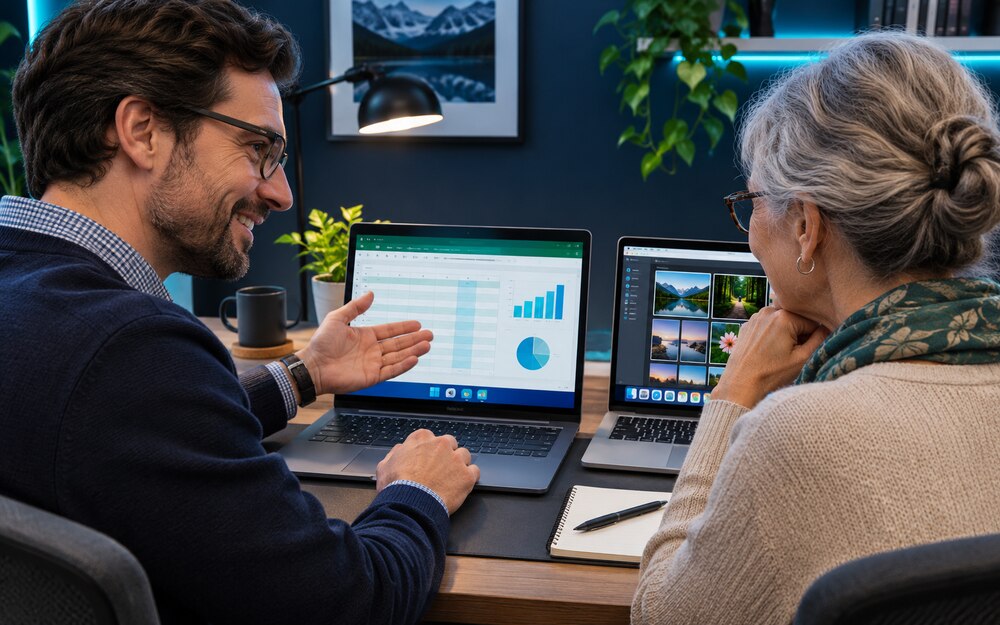
Learn to use your Windows PC or Mac with one-on-one lessons built around what you want to do. Bring the device, apps, and questions you use in everyday life or at work.
What we can work on
Windows and Mac basics
Get comfortable with Windows or macOS. Practice finding settings, installing apps, using File Explorer or Finder, and switching between apps. If you’re moving from PC to Mac or the other way around, we can walk through the differences together.
Microsoft apps
Format a document in Word, organize data and use basic formulas in Excel, build a presentation in PowerPoint, or manage email and calendars in Outlook.
Photos and files
Import pictures from your phone, create albums, and share photos. Learn to name and organize folders, find downloads, and understand what’s stored on your device, in iCloud, or in OneDrive.
Other everyday tasks
Work through questions about email attachments, browser bookmarks, video calls, PDFs, or another app you want to learn. We’ll practice at your pace using examples you can repeat on your own.
What would you like to learn?
Tell me which device you use and what you’d like to be able to do.